Computer Chair: An Essential Component of Modern Workspaces
Mar 02, 2025

A computer chair, simply put, is a specialized type of seating designed specifically for use in environments where individuals spend extended periods engaged with computers. Unlike traditional chairs, computer chairs are engineered to provide optimal support, comfort, and ergonomics, catering to the unique needs of users who often find themselves in sedentary positions for hours. These chairs are crafted with the understanding that prolonged sitting can lead to various health issues, such as back pain, neck strain, and even circulatory problems. Therefore, computer chairs integrate various features to mitigate these risks, ensuring that users can work comfortably and efficiently without compromising their well-being.
Different Materials of Computer Chairs: Advantages and Disadvantages
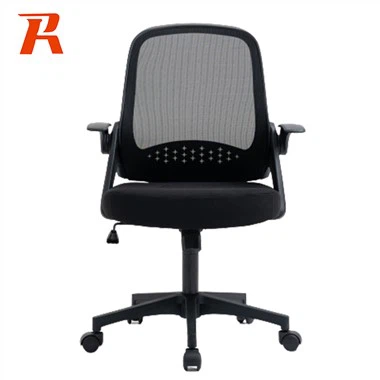
Mesh computer chairs have gained immense popularity due to their breathability and lightweight design. Made from durable yet flexible mesh fabric, these chairs allow for excellent airflow, keeping users cool and comfortable even during long working hours. Mesh chairs also tend to be more ergonomic, conforming to the shape of the user's body and promoting better posture. However, mesh materials may not provide the same level of padding as leather or fabric chairs, which can be uncomfortable for some users, especially those preferring softer seating.
Leather computer chairs offer a premium, professional look that fits well in both home offices and corporate settings. Leather is known for its durability and ease of maintenance, requiring minimal cleaning and resistant to stains and wear. Additionally, leather chairs tend to have better padding, providing a luxurious, cushioned seating experience. However, leather can be less breathable, leading to discomfort during warmer weather or prolonged use. Synthetic leathers, while more affordable, may not offer the same quality and longevity as genuine leather.
Fabric computer chairs are known for their versatility and comfort. Fabric materials can range from soft, plush textiles to more durable, woven blends, offering a wide range of options to suit different tastes and needs. Fabric chairs are often more affordable than leather ones and provide excellent padding and support. They are also typically more breathable than leather, making them suitable for a variety of climates. However, fabric chairs may require more frequent cleaning and maintenance, as they are more prone to stains and fading over time.
Wood and metal computer chairs, often seen in minimalist or industrial-style designs, offer a unique aesthetic appeal. Wood chairs are sturdy and long-lasting, while metal frames provide a modern, sleek look. These materials are typically less padded, offering a firmer seating experience that may appeal to users preferring less cushioning. However, wood and metal chairs may lack the ergonomic features and comfort of mesh, leather, or fabric chairs, making them less suitable for extended periods of use.
Computer Chair and Health
The Importance of Ergonomics in Computer Chair Design
In today's digital age, spending long hours seated in front of a computer is a common occurrence. As such, the role of a computer chair in maintaining health and well-being cannot be overstated. Ergonomic chair design is crucial in promoting proper posture, reducing strain on the spine, and preventing discomfort or injury. By incorporating features such as adjustable seat height, tilt angle, and lumbar support, ergonomic chairs ensure that users can maintain an optimal seating position, thereby minimizing the negative impacts of prolonged sitting.
Seat Height Adjustment for Optimal Posture
Proper seat height is a foundational aspect of ergonomic chair design. By adjusting the seat height to ensure that your feet are flat on the floor or footrest and your knees are bent at a 90-degree angle, you can significantly reduce strain on the lower back and legs. This positioning fosters better posture, reducing the risk of discomfort or injury. Adjustable seat heights also accommodate users of different heights, ensuring that everyone can find a comfortable and ergonomic seating position tailored to their individual needs.
Tilt Angle Adjustment for Comfort and Spine Health
The ability to adjust the tilt angle of the backrest is another vital feature of an ergonomic computer chair. By reclining the backrest slightly, users can relieve pressure on the spine and distribute weight more evenly across the body. This reduces fatigue and discomfort, promoting a more comfortable seating experience. Tilt adjustment also encourages movement and prevents stiffness, further enhancing overall comfort and spine health. Some chairs even offer lockable tilt features, allowing users to recline with the added security of knowing that the chair will not suddenly tip back.
Lumbar Support for Lower Back Health
Lumbar support is a critical feature in any computer chair, as it provides essential cushioning for the lower back. Proper lumbar support aligns the spine and reduces strain, preventing issues like herniated discs or lower back pain. Adjustable lumbar supports are particularly beneficial, as they allow users to customize the level of support to their specific needs. This ensures maximum comfort and ergonomics, fostering a healthier working environment and reducing the risk of lower back discomfort or injury.
Headrest for Neck and Head Support
While not all computer chairs come with headrests, those that do offer significant benefits for neck and head support. A well-padded headrest reduces strain on the neck and promotes better posture, which is especially important for users who suffer from neck pain or headaches. Adjustable headrests allow for even greater customization, ensuring that the head and neck are properly supported regardless of the user's height or seating position. This feature further enhances overall comfort and promotes a healthier working experience.
Importance of Adjustable Features: Seat Height, Tilt Angle, Lumbar Support, and Headrest


Seat Height Adjustment
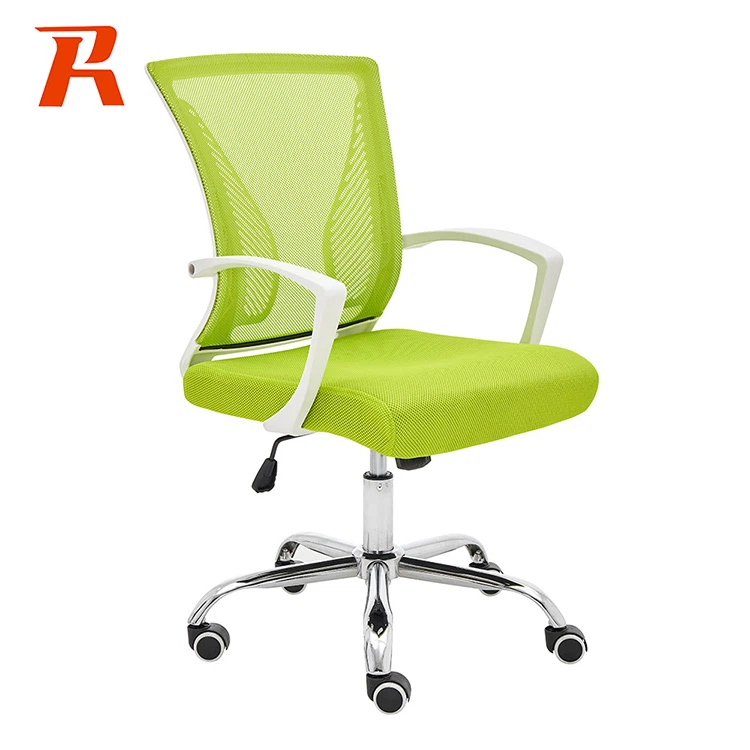
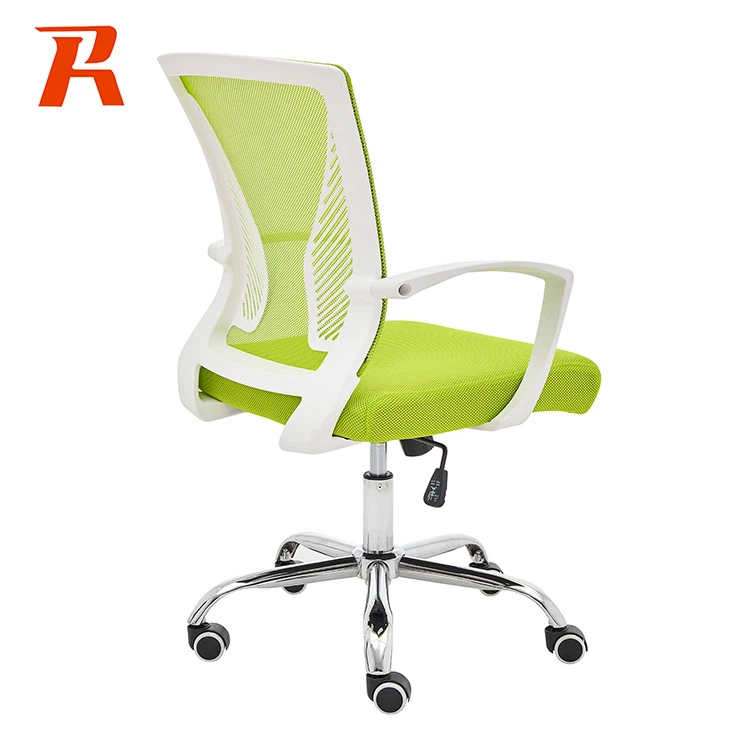
One of the most fundamental features of any computer chair is seat height adjustment, a critical aspect that cannot be overlooked. Proper seat height ensures that your feet are flat on the floor or footrest, with your knees bent at a comfortable 90-degree angle. This optimal positioning not only alleviates strain on the lower back and legs but also fosters better posture, thereby minimizing the risk of discomfort or injury over prolonged periods of sitting. Adjustable seat heights cater to users of diverse heights, ensuring that everyone, regardless of their stature, can attain an ergonomic seating position tailored to their individual needs.
Tilt Angle Adjustment
The ability to adjust the tilt angle of the backrest is another pivotal feature that sets apart a good computer chair from a great one. By reclining the backrest to a slight angle, users can effectively relieve pressure on the spine and achieve a more even distribution of weight across the body. This, in turn, reduces fatigue and discomfort, enhancing overall comfort during extended work sessions. Tilt adjustment further allows for a multitude of seating positions, encouraging natural movement and preventing stiffness and soreness. Some advanced chairs even boast lockable tilt features, empowering users to recline with complete peace of mind, devoid of the risk of the chair unexpectedly tipping back.
Lumbar Support
Lumbar support stands as a vital feature in any computer chair, offering indispensable cushioning for the lower back-a region prone to strain and discomfort. Adequate lumbar support ensures that the spine maintains its natural curve, thereby reducing strain and mitigating the risk of serious issues such as herniated discs or chronic lower back pain. Adjustable lumbar supports are particularly advantageous, as they empower users to customize the level of support to precisely match their unique physical needs. This degree of personalization ensures maximum comfort and ergonomics, fostering a healthier and more productive working environment.
Headrest
While not all computer chairs come equipped with headrests, those that do offer a multitude of benefits that cannot be ignored. A well-padded headrest provides crucial support to the neck and head, significantly reducing strain and promoting optimal posture. This feature is particularly invaluable for users who suffer from neck pain or frequent headaches, as it offers relief and promotes a more comfortable seating experience. Adjustable headrests take this a step further, allowing for even greater customization to accommodate users of varying heights and seating preferences. This ensures that the head and neck receive proper support regardless of the user's physical attributes or seating position, ultimately enhancing overall comfort and well-being.